26 Must-Have Digital Planner Sticker Packs for GoodNotes and Notability
By Lily, Master Crafter & Digital Organizer
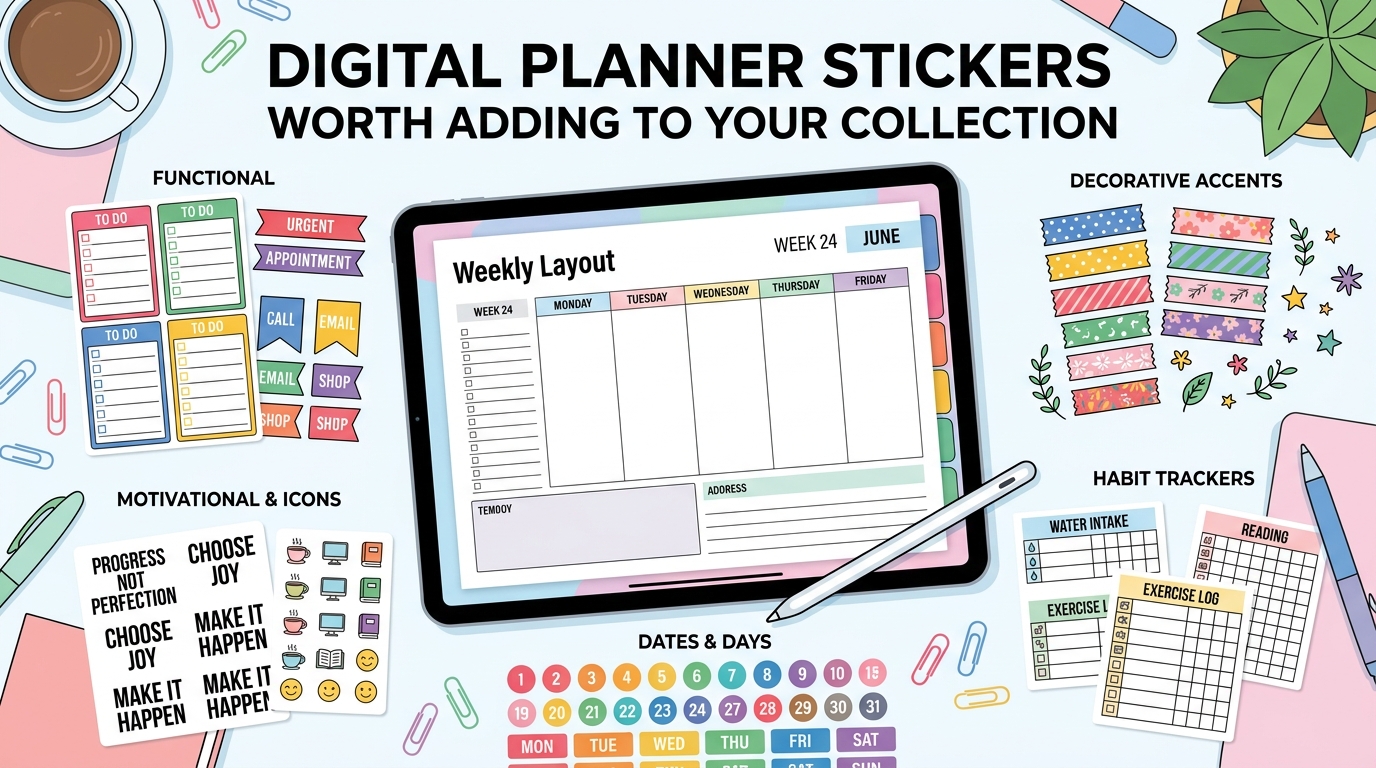
Digital planner stickers have rapidly evolved from a niche, gimmicky add-on to a massive, foundational part of how thousands of people manage their lives. Whether you are using GoodNotes on an iPad, Notability, or just a plain PDF workflow, dropping a visual marker onto your calendar is incredibly satisfying.
The only catch? The digital sticker market is currently incredibly crowded, and most Etsy listings look identical until you actually open the files. I spent hours digging through the premium sticker libraries on Creative Fabrica to pull together this curated roundup of 26 exceptional packs. We are covering seasonal sets, functional color-coded bujo kits, and a handful of highly specific niche picks for travel, fitness, and parenting!

1. Autumn Digital Planner Stickers Bundle
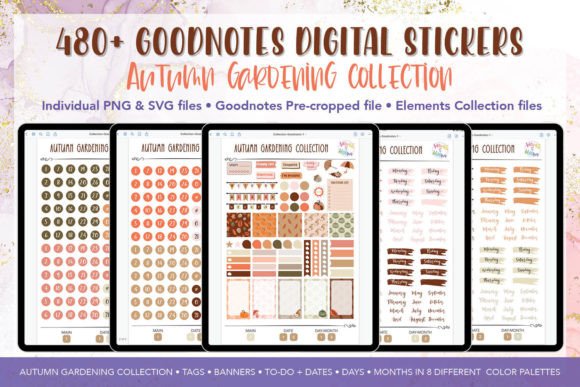
Warm oranges, deep burgundies, and rustic browns run through this beautifully illustrated set. With pumpkins, falling leaves, and cozy mugs mixed seamlessly into the icon work, it reads much more like a curated seasonal mood board than a plain, functional sticker pack.
Lily’s In-Depth Recommendation:
Seasonal Transitions: Best used if your planner theme changes aggressively with the seasons. This single download completely covers your aesthetic needs from September through late November.
Digital Scrapbooking: Use the larger leaf graphics to frame photos in your digital autumn family albums!
2. Digital Planner Stickers – Bujo Inspired
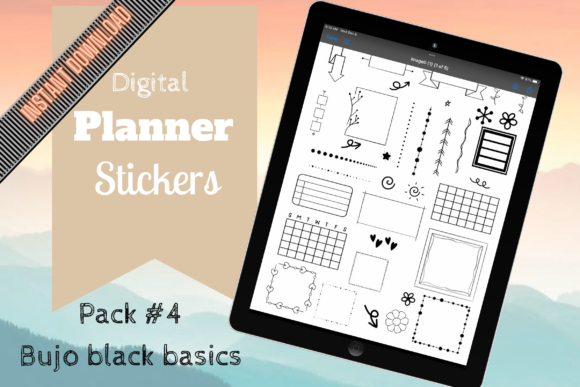
If you love the Bullet Journal method but hate carrying around physical pens, this is your holy grail. Habit grids, circular mood trackers, and simple hand-drawn dividers make up most of this pack. It sits much closer to a functional system than pure decoration.
Lily’s In-Depth Recommendation:
Analog to Digital: This is a brilliant pick for anyone moving a paper bullet journal into an iPad app, allowing you to keep the exact same tracker formats you are used to.
Habit Stacking: Drop the water-drop stickers next to the pill-bottle stickers to remind yourself to take your morning vitamins while hydrating!
3. 4th of July Digital Planner Stickers
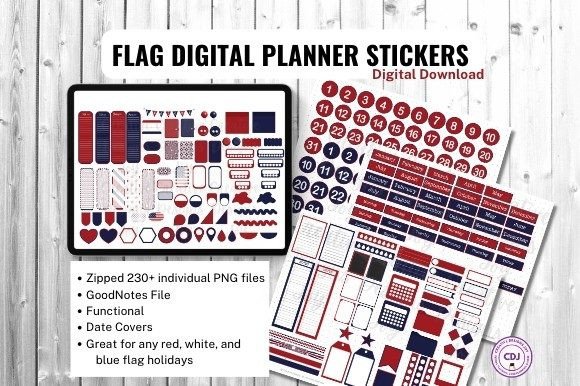
Stars, sparklers, and small flag icons cover the holiday basics without looking overly cheesy or leaning too heavily on massive, distracting graphics. It is a narrow, single-purpose set, highly useful for the specific days around the summer holiday.
Lily’s In-Depth Recommendation:
Event Planning: Use the BBQ and firework icons to time-block your family’s July 4th itinerary on a daily spread so you don’t miss the local parade.
Digital Shop Owners: Worth downloading if you sell seasonal planner spreads and need a quick commercial-use add-on for early July.
4. Playful Spring Digital Planner Stickers
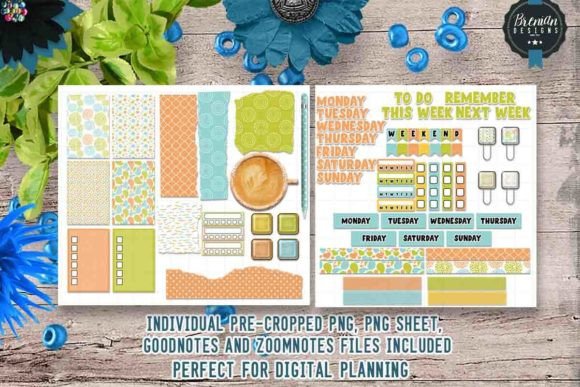
Bunnies, tulips, and pastel weather icons give this bundle a light, almost storybook feel compared to more muted spring sets. The color palette leans bright rather than soft, meaning these graphics jump right off the screen.
Lily’s In-Depth Recommendation:
White Space: This pairs exceptionally well with a minimalist digital journal that uses a lot of white space, as the vibrant colors carry the page’s aesthetic entirely on their own.
Garden Tracking: Use the cute tulip stickers to mark the days you need to water your indoor seedlings!
5. Digital Planner Stickers – Winter Wishes
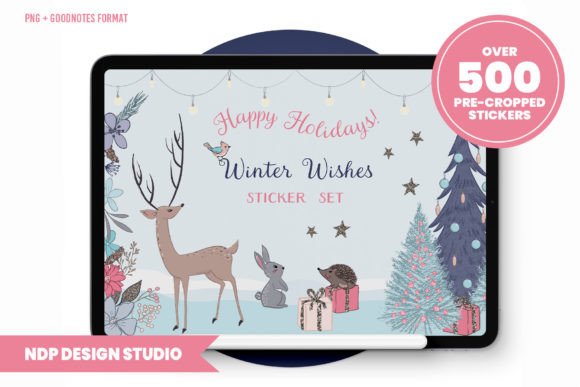
Snowflakes, mittens, and hot drinks dominate this icon set, done in a cooler blue and cream palette. It reads distinctly as “cozy winter” rather than explicitly “Christmas,” which vastly extends its shelf life in your planner well into February.
Lily’s In-Depth Recommendation:
Post-Holiday Slump: Use this instead of a Christmas-specific pack if you want a set that still fits beautifully on a plain, slightly dreary January planner spread.
Weather Logs: Drop the tiny snowflake icons on your monthly calendar to track freezing days or major snowstorms.
6. Green Digital Planner Stickers Kit
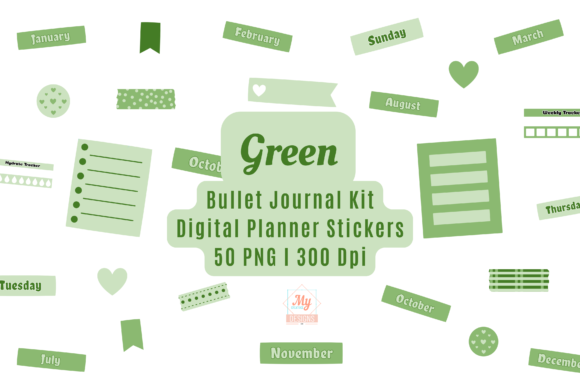
This is a color-first functional kit rather than a highly decorative themed one. Built around a soothing shade of sage green, it includes arrows, checkboxes, and small text banners. It works brilliantly as a base layer under other, louder sticker sets.
Lily’s In-Depth Recommendation:
Foundation Layer: This is a mandatory download if you like layered aesthetics. Put these functional banners down first, then layer decorative florals (like the Autumn pack) over the corners!
Financial Planning: Because it is green, use this specific colorway exclusively to tag paydays and bill due dates on your master calendar.
7. Shark Digital Planner Stickers
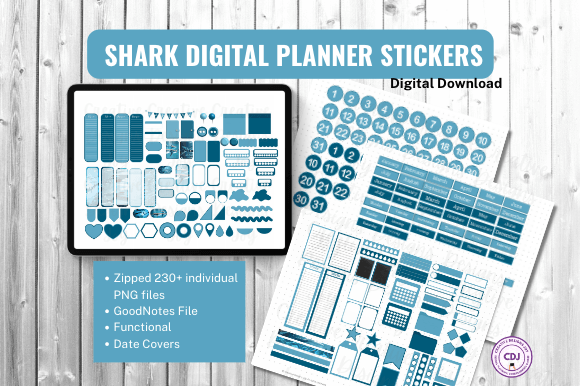
A highly niche, incredibly fun pick built entirely around shark illustrations! From cartoon-style faces to small dorsal fin icons used as bullet markers, it is built for a specific audience rather than standard corporate planning.
Lily’s In-Depth Recommendation:
Shark Week: Yes, obviously use this to track television schedules during Discovery Channel’s Shark Week every summer!
Kids’ Planners: If you are setting up a digital chore chart on an iPad for your children, using these shark icons as “completed” stamps will make them infinitely more willing to participate.
8. Florals – Digital Planner Stickers
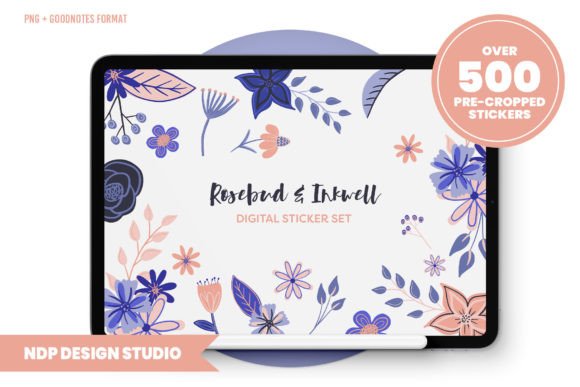
Beautifully painted florals in muted tones, with enough arrangement variety that your pages don’t end up looking artificially repetitive. It leans heavily toward a hand-painted watercolor finish rather than flat, corporate vector shapes.
Lily’s In-Depth Recommendation:
Year-Round Use: This is a brilliant, safe default set for anyone who wants a romantic floral theme but does not want it tied to a specific season (like the bright Spring tulips).
Corner Accents: Drop the larger floral bouquets into the four corners of your monthly overview calendar to create a beautiful, framed border effect.
9. Digital Planner Stickers V2
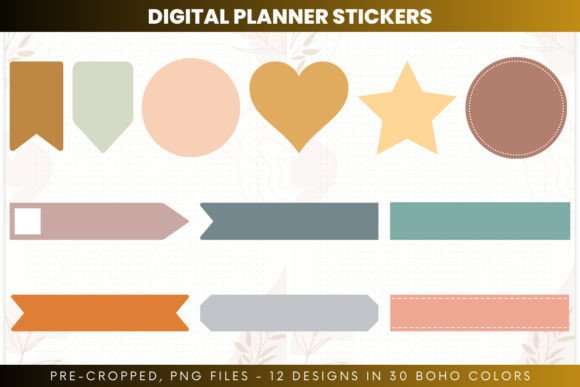
A highly practical, general-purpose mixed set covering checklists, sticky notes, and small utility icons with no single overarching theme. It works brilliantly as functional filler content across many spreads rather than serving as a decorative centerpiece.
Lily’s In-Depth Recommendation:
The Backup Pack: Keep this file saved on your iPad as a reliable backup pack for filling functional gaps in a spread once your themed seasonal stickers run out.
Color Coding: Use the multi-colored push-pin graphics to categorize tasks by priority (Red = Urgent, Yellow = Later).
10. Digital Planner Stickers V1
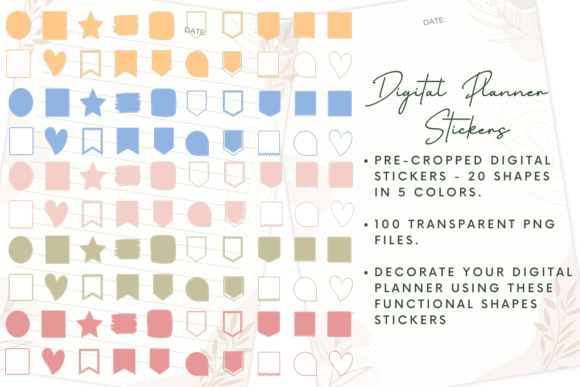
The earlier version of the mixed utility set above, featuring a slightly smaller icon count and a much flatter, minimalist design style. Useful mainly if you want a lighter-weight file to import into GoodNotes.
Lily’s In-Depth Recommendation:
Minimalist Workflows: Choose this over V2 if you absolutely despise heavy shading and prefer a flatter, less illustrated style for a highly corporate planner setup.
Meeting Notes: The simple clipboard and coffee mug icons are perfect for visually marking upcoming Zoom meetings in a crowded weekly grid.
11. Bright Spring Digital Planner Stickers
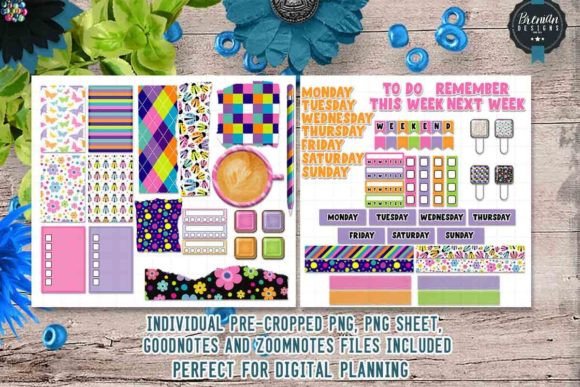
Highly saturated colors and larger icon sizes set this apart aggressively from the softer spring pack featured earlier. It is built specifically for pages that need to grab your attention rather than sit quietly in the background.
Lily’s In-Depth Recommendation:
Cover Pages: Because the icons run quite large, this pack fits a digital planner cover page or a massive monthly overview spread much better than a cramped daily log.
Mood Boost: Slap the bright yellow sun stickers on days you actually managed to get outside for a walk. Visual dopamine!
12. 90 Digital Planner Stickers (GoodNotes Optimized)
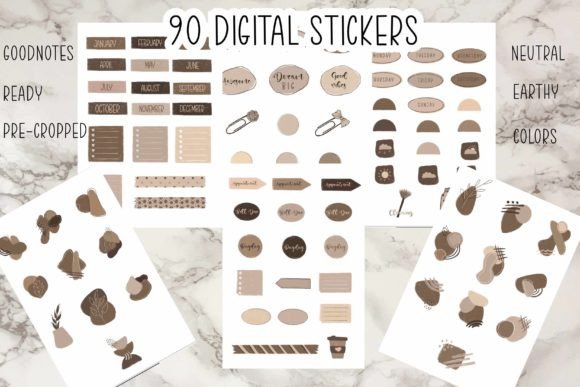
Built and thoroughly tested for GoodNotes specifically! The graphics are already sized perfectly for that app’s built-in sticker library rather than a generic PDF sheet. The 90-piece count covers most daily planning categories without annoying repetition.
Lily’s In-Depth Recommendation:
Frictionless Use: Go with this one immediately if GoodNotes is your main app, as it completely removes the annoying extra step of manually resizing raw PNGs yourself.
Elements Tool: Save these directly into your GoodNotes “Elements” tool to create a permanent, easily accessible library you can pull from on any document.
13. Dancing Paisley Digital Planner Stickers
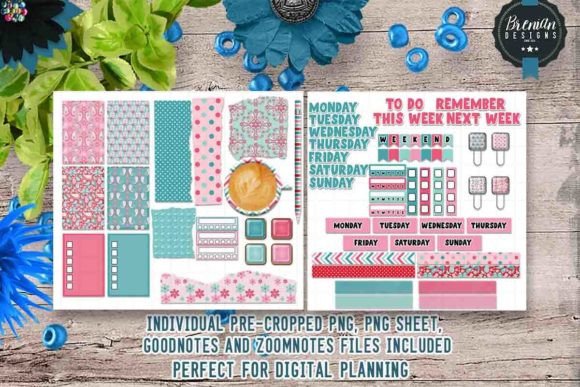
Paisley shapes in a moving, curved layout give this set a pattern-first look rather than an icon-first one. It works exceptionally better as a decorative visual border than as functional task markers.
Lily’s In-Depth Recommendation:
Header Decoration: Use these sweeping paisley graphics along the top edges of a blank page to create custom, branded notebook paper!
Layering: Because they are transparent, you can lay them over solid color-blocked sticky notes to create a custom textured background for your text.
14. Digital Planner Stickers (The Basic Starter Kit)
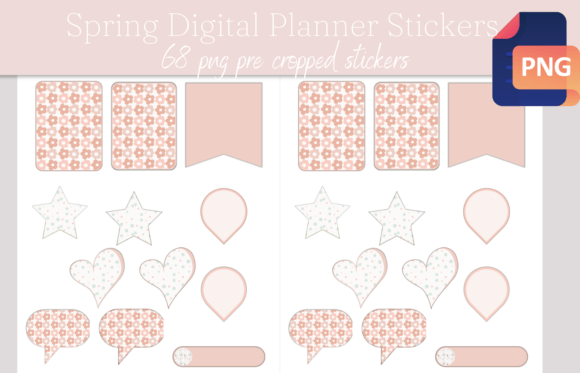
A no-frills, generically named pack that covers all the standard planning icons (laundry, groceries, bills) without leaning into any polarizing aesthetic or color scheme. It is an incredibly reasonable starting point if you haven’t settled on a vibe yet.
Lily’s In-Depth Recommendation:
Total Beginners: Start here if you are brand new to digital planning and do not want to commit to a heavily themed (and potentially distracting) pack right away.
Chore Charts: The domestic icons are perfect for building a shared digital chore chart for your roommates or family members.
15. 121 Pre-Cropped Digital Planner Stickers
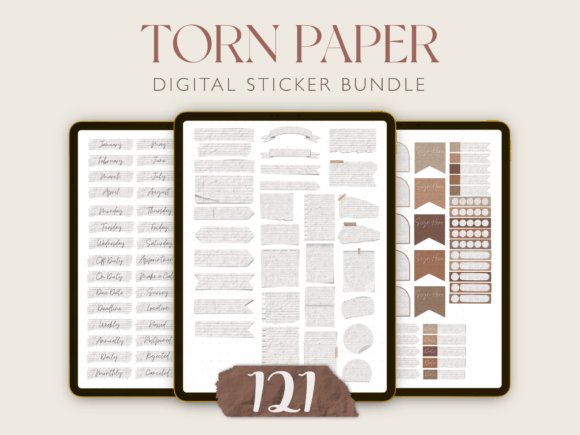
The magic word here is “pre-cropped.” Every single sticker in this massive 121-piece set is already cropped tight to its edges, which saves you an agonizing amount of time in older apps that do not crop bounding boxes automatically.
Lily’s In-Depth Recommendation:
Time Saver: Absolutely worth the download if you have been manually lassoing and cropping stickers from giant PDF sheets in Notability. This removes that tedious step entirely!
Layering: Because they are tightly cropped, these graphics sit flawlessly on top of text boxes without accidentally blocking your writing with an invisible bounding box.
16. Gym Themed Digital Planner Stickers Set
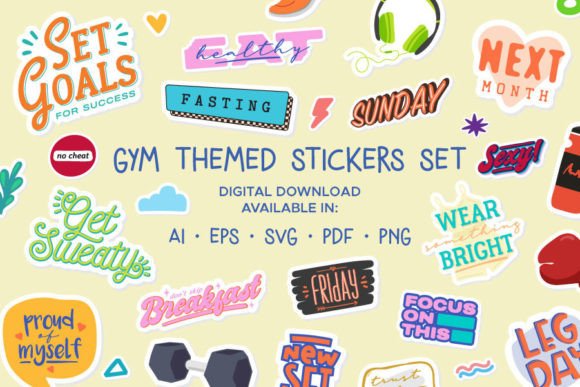
Dumbbells, shaker bottles, and small progress bars make this pack built entirely for fitness tracking rather than general life planning. It is extremely narrow in scope, but it executes that one job flawlessly.
Lily’s In-Depth Recommendation:
Habit Tracking: Best paired with a strict daily habit tracker spread rather than a full monthly calendar, since the small icons are built for rapid daily check-ins.
Macro Logging: Use the blank checklist stickers provided in this set to log your protein/carb/fat macros directly onto your daily page.
17. Halloween Digital Planner Stickers Kit
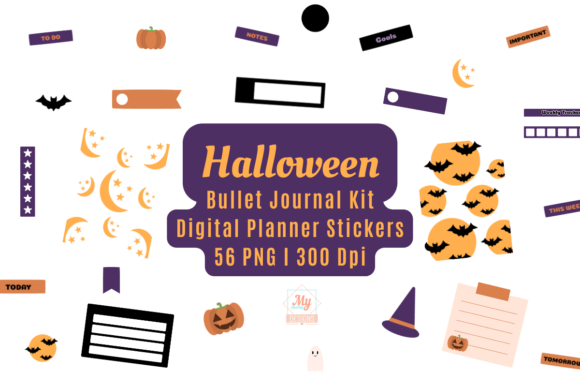
Pumpkins, friendly ghosts, and wrapped candy icons cover the expected spooky territory, but rendered in a slightly muted, dusty palette rather than blinding neon orange. It feels very mature and “cottage-goth.”
Lily’s In-Depth Recommendation:
Seasonal Layering: Combine this directly with the “Autumn Bundle” (listed at #1) for a cohesive September-through-October spread without jarring color clashes!
Memory Keeping: Use the larger ghost graphics to frame your digital photos from a visit to the local pumpkin patch.
18. Motherhood – Digital Planner Stickers
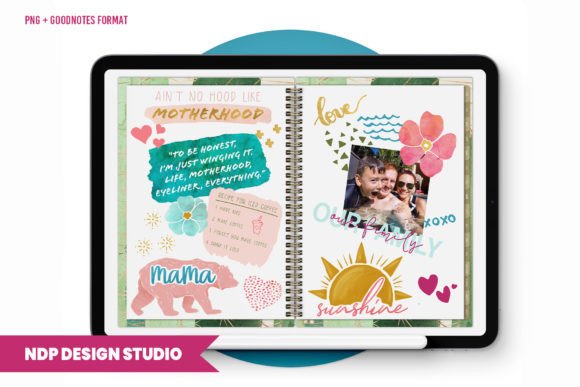
Feeding schedules, nap trackers, and small baby-item icons make this a highly functional survival set for new parents rather than just a decorative one. It is one of the most specific, audience-targeted packs on this list.
Lily’s In-Depth Recommendation:
Postpartum Tracking: A solid, stress-free pick for tracking newborn feeding times and diaper changes in those blurry first few weeks.
Pediatrician Visits: Drop the little stethoscope icons on your calendar so you do not accidentally miss a crucial vaccination appointment.
19. Fiesta Digital Planner Stickers Graphic
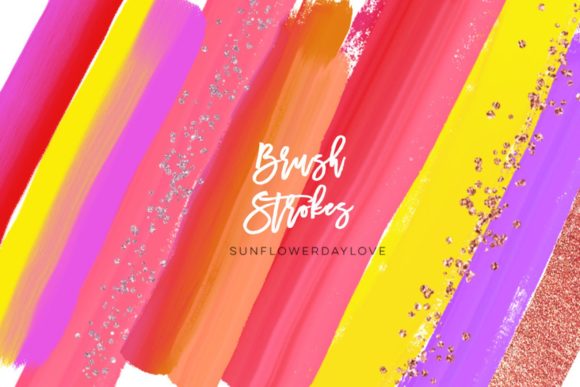
Bright, chaotic party-themed icons including piñatas, confetti bursts, and small bunting banners. This is aimed entirely at event planning rather than quiet daily tracking. The style is bold enough to work as heavy page decoration on its own!
Lily’s In-Depth Recommendation:
Party Planning: Vastly better suited to a birthday party or bachelorette event-planning spread than a routine daily work log.
Digital Invites: You can export these high-resolution PNGs into Canva to create matching digital text-message invitations for your fiesta!
20. Blue Digital Planner Stickers Kit
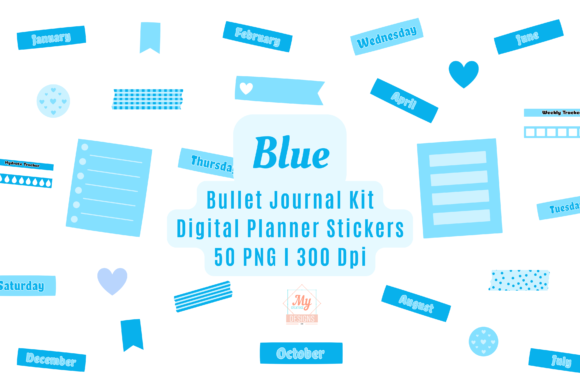
Another fantastic color-first kit, this time built entirely around navy and sky-blue tones across arrows, tags, and small icons. It reads as much calmer and more corporate than the green kit above, making it perfect for a professional work or study planner.
Lily’s In-Depth Recommendation:
Corporate Planning: Fits a work planner where you want a highly consistent, low-key color scheme rather than a distracting, heavily illustrated theme.
Study Guides: Use the blue arrows to visually link concepts together while taking digital notes during a college lecture.
21. Peach Digital Planner Stickers Kit
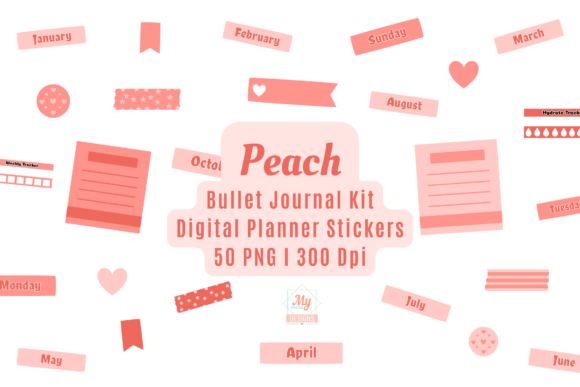
Featuring the exact same functional kit format as the blue and green versions, but executed in a soft peach tone that reads significantly warmer and less formal. It is entirely a matter of color preference!
Lily’s In-Depth Recommendation:
Aesthetic Matching: Pick this over the blue or green kit if your existing digital planner cover already leans toward warm, sunset, or beige tones.
Habit Tracking: The peach checkboxes are perfect for tracking soft, wellness-based habits (like meditation) rather than harsh corporate deadlines.
22. 66 Summer Digital Planner Stickers PNGs
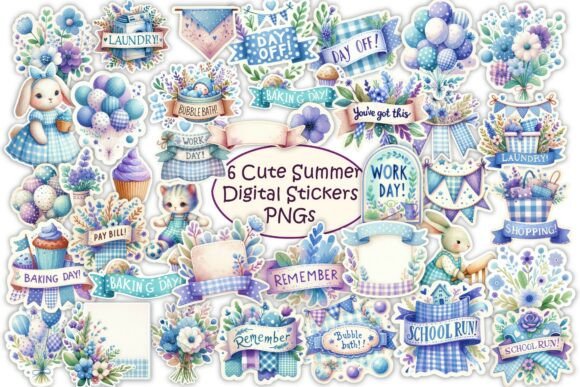
Ice cream cones, sunglasses, and beach icons in a massive 66-piece set that provides significantly more variety per category than most seasonal packs. Delivered as individual PNGs, so placing single stickers is incredibly straightforward.
Lily’s In-Depth Recommendation:
Long Summers: A brilliant option if you want a bigger summer library and plan to mix and match icons across June, July, and August without repeating the same popsicle sticker every week.
Digital Memory Books: Layer these graphics over your summer vacation photos inside GoodNotes to create a beautiful digital travel journal.
23. 40 Summer Digital Planner Stickers PNG
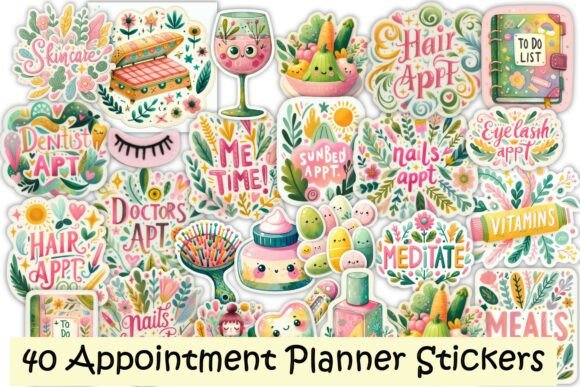
A smaller, tighter summer set covering the same general beach-and-sun territory as the 66-piece pack above, but with much less overlap in icon types. It is highly useful if you want summer coverage without bogging down your tablet with a massive file count.
Lily’s In-Depth Recommendation:
File Management: Choose this over the 66-piece set if you would rather keep your GoodNotes element library smaller and easier to scroll through quickly.
Vacation Packing: Use the distinct icons to build a highly visual packing list for your upcoming beach trip!
24. Cute Halloween Ghost Hand Drawn Clipart
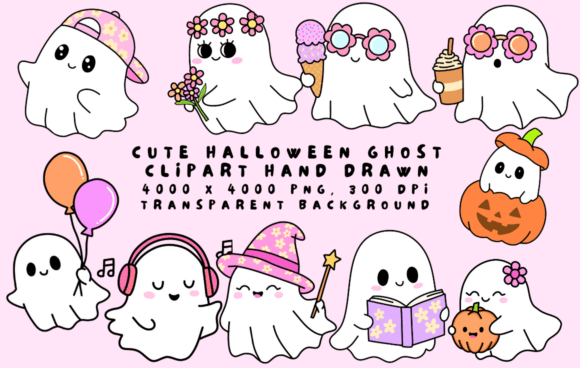
A single-motif clipart set built entirely around adorable, hand-drawn ghosts. It sits much closer to traditional digital illustration than a functional planner pack. It is meant exclusively for heavily accenting a page rather than organizing it.
Lily’s In-Depth Recommendation:
Cover Pages: Use this to massively accent a Halloween cover page or a spooky reading-log, rather than attempting to use them as tiny daily check-boxes.
Printables: Because these are high-res graphics, you can print them onto physical sticker paper using a Cricut machine for your paper planner!
25. Adventure Travel Sticker Vacation PNG
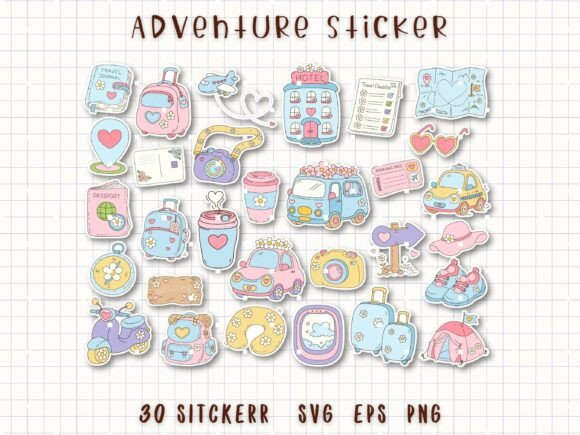
Vintage suitcases, airplanes, and small map icons built exclusively for trip planning rather than daily household routines. It works incredibly well dropped into a travel journal or a dedicated European vacation spread.
Lily’s In-Depth Recommendation:
Itinerary Mapping: Best kept for a travel journal where you can use the icons to visually separate flight times from hotel check-ins on a dense text page.
Digital Scrapbooking: Layer these graphics over ticket stubs and boarding passes that you have scanned into your iPad.
26. Cozy Day Digital Planner Stickers
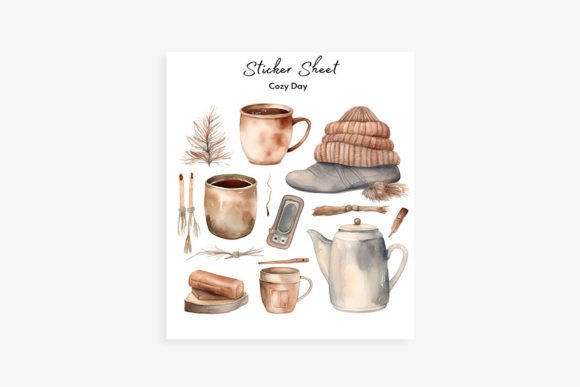
Candles, thick knit blankets, and warm drinks executed in a beautifully soft, low-saturation palette meant strictly for self-care or mental health rest-day spreads. It closes out our list on a much quieter, gentler note than most of the heavy utility packs above.
Lily’s In-Depth Recommendation:
Burnout Recovery: Fits a self-care tracker or a dedicated “Sunday Reset” page infinitely better than a busy, stressful work planner.
Reading Logs: Drop the coffee and blanket icons next to the books you are currently reading in your digital library!
Frequently Asked Questions About Digital Planner Stickers
How do I import these stickers into GoodNotes?
Once you download the files from Creative Fabrica, unzip the folder on your iPad. Open GoodNotes, tap the “Elements” tool (the icon with a star), scroll to the right, and tap the “+” button to create a new collection. You can then import all your new PNG stickers at once!
What does “Pre-cropped” actually mean?
If a sticker pack is NOT pre-cropped, it usually comes as one massive digital sheet, meaning you have to use the lasso tool to carefully draw a circle around the specific icon you want every single time. “Pre-cropped” means each sticker is saved as its own individual transparent PNG file, saving you an immense amount of time.
Can I print these out to use in a physical paper planner?
Yes! Because these are high-resolution files, you can arrange the PNGs on a standard 8.5×11 inch document in Canva, print them onto physical sticker paper, and use a Cricut or Silhouette machine to cut them out for your analog journal.
Final Thoughts on Digital Organization
That covers all 26 sticker packs! When choosing your assets, always ask yourself if you need highly functional trackers (like the Bujo kits) or if you just want to make your pages feel seasonal and cozy (like the Autumn and Winter packs). Mix and match a foundation pack with a decorative pack for the best results!
A beautifully functioning workspace is a productive workspace. Happy planning!

Written by Lily
Master Crafter & Digital Organizer
I teach creatives how to bridge the gap between messy, beautiful physical crafts and structured digital businesses. I focus on optimizing digital workspaces, organizing pattern libraries, and proving that productivity tools can be just as aesthetic as your handmade art.
Affiliate Disclosure: This post contains affiliate links to Creative Fabrica. If you click through and make a purchase, I may receive a small commission at no extra charge to you. I only recommend digital assets I trust and use daily in my own workflow.